
How to Search Cases by Name
Jackson County splits its records by court. A name search starts with picking the right one. The District Clerk keeps the district civil, family, and felony court records. County Court at Law matters sit with the County Clerk. Each justice court and municipal court in Jackson County holds its own docket. No single free name-search form covers them all.
- Identify the court from a notice, citation, case type, or filing.
- Open the official clerk page, iDocket, or re:SearchTX as appropriate.
- Enter the name and narrow the location or case category when controls permit.
- Record the cause number, then confirm current information with the custodian.
| Field Label | Type | Required | Notes |
|---|---|---|---|
| Search by | Dropdown | Unspecified | re:SearchTX changes fields by search mode. |
| Search for Location | Text | Unspecified | Use the location selector for Jackson County when available. |
| + Add | Button | No | Adds another search condition. |
| Cases / Filings / Hearings | Tabs | No | Choose the kind of result needed. |
Jackson County iDocket Login Limits
The District Clerk's iDocket sign-in page shows User Id and Password fields. It links to subscription enrollment, password recovery, and support. Nothing about a case appears before login. There is no public name query and no public case-number query at that gate. The vendor itself warns its data may not be complete or current.
The gate blocks a docket search. The Jackson County District Clerk page is the better stop. It carries date-specific criminal docket PDFs, annual settings, and direct clerk contact routes.
Skip the temptation to paste a name into some unrelated commercial site. Use the clerk's published materials, call the office, or turn to the official state repository. Check that the case type fits first. A subscription wall is simply one access method, not a certified statement of the live docket. Vendor totals and dates reflect historical access, nothing more.
How to Search by Case Number
Copy the cause number exactly as printed. It appears on the court notice, citation, pleading, or an earlier docket. Jackson County publishes no format guide. A guessed year, court code, or stray punctuation can defeat an otherwise valid docket search. Enter the printed identifier, exact cause number, as one complete value with nothing added.
Jackson County re:SearchTX Layers
re:SearchTX is the statewide repository for court filings. It is not a promise of a complete free Jackson County docket. Sign in with eFileTexas credentials, or register if you have none, and the site opens up its search tools. From there you can pick Cases, Filings, Text in Documents, or Hearings, then narrow the results with location conditions such as Jackson County.
The official access screen spells out the account step before you can run a docket search.
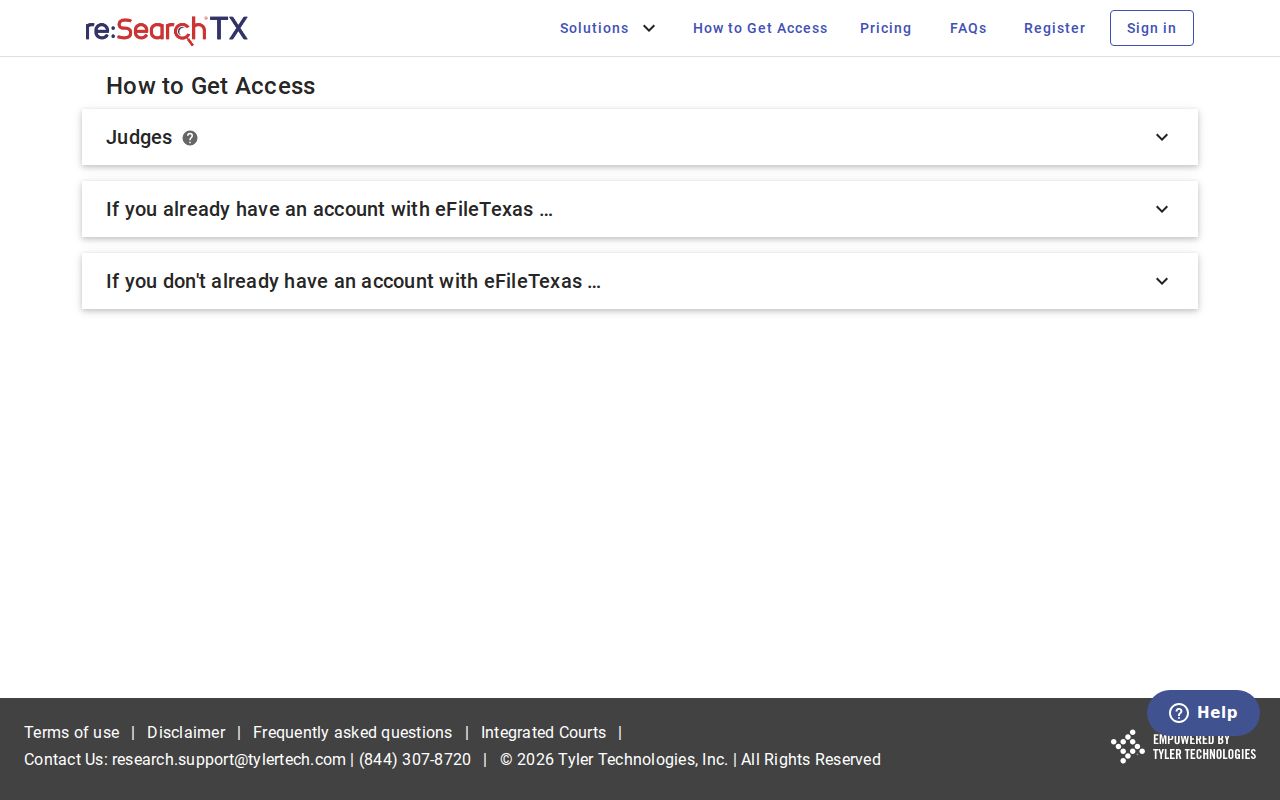
That account layer matters. An index result and a downloadable filing document are two different products in a case lookup.
What a Case Search Shows
Confirm the case before you read its events. That is the habit. re:SearchTX opens case details from a selected case description, while filings and hearings open their own views. A county docket PDF or a clerk file may show a different set of fields.
| Cause number | The clerk's retrieval key; preserve it exactly. |
|---|---|
| Case style | The caption used to distinguish the matter. |
| Court and type | Shows which Jackson County custodian should hold the file. |
| Filings and settings | Chronological events and scheduled hearings where available. |
| Status or disposition | A current label or outcome that should be checked against the maintained file. |
Missing Jackson County Results
A blank result has several innocent explanations. The court could be wrong. Integration may lag, or the file may be old paper. A subscriber gate may block it, or the case may be restricted. Check the published PDF, call the correct clerk, or visit the public terminal at the counter. A written request works too. County Clerk requests can go by email or mail on the official form.
County vs Statewide Case Search
Go local for a known Jackson County matter. Local sources give the most direct route to the case. Use re:SearchTX to test participating trial-court repositories across locations, keeping in mind that the Texas Judicial Council reported criminal case records excluded from that repository.
| Statewide Portal | Jackson County Sources |
|---|---|
| Participating state trial-court data | District, County, JP, or municipal custodian |
| Account-based repository and document layer | PDF, terminal, counter, phone, mail, or request form |
| Useful when venue is uncertain | Best for a known Jackson County court and current verification |
eFileTexas Is Not the Docket
eFileTexas transmits filings and nothing more. It does not hand the public a chronological docket. Jackson County's District Clerk notes e-filing, iDocket access history, a public terminal added in 2021, and Enterprise Justice implementation in 2024. Linked systems, different jobs. The re:SearchTX coverage view adds context for the statewide repository.
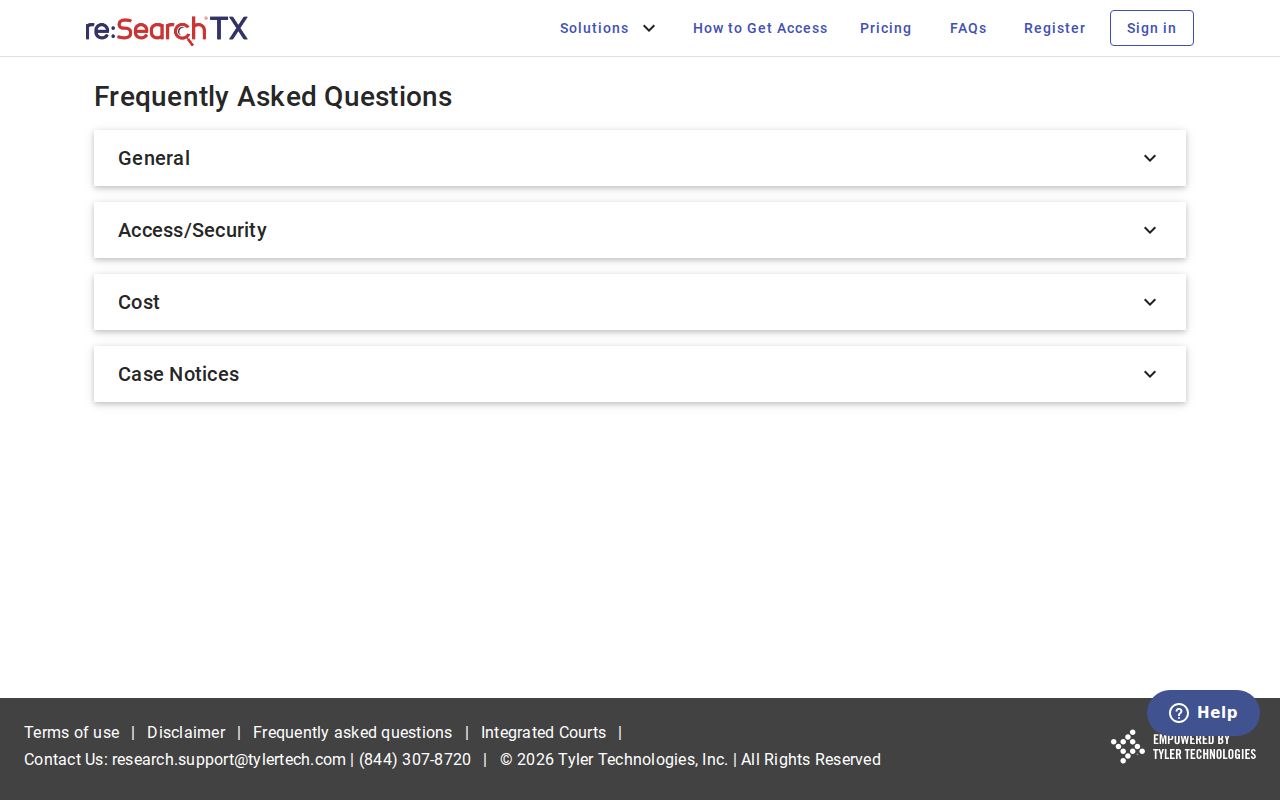
For a current Jackson County answer, check repository data against the clerk's maintained file. The official filing service shows the filing function itself.
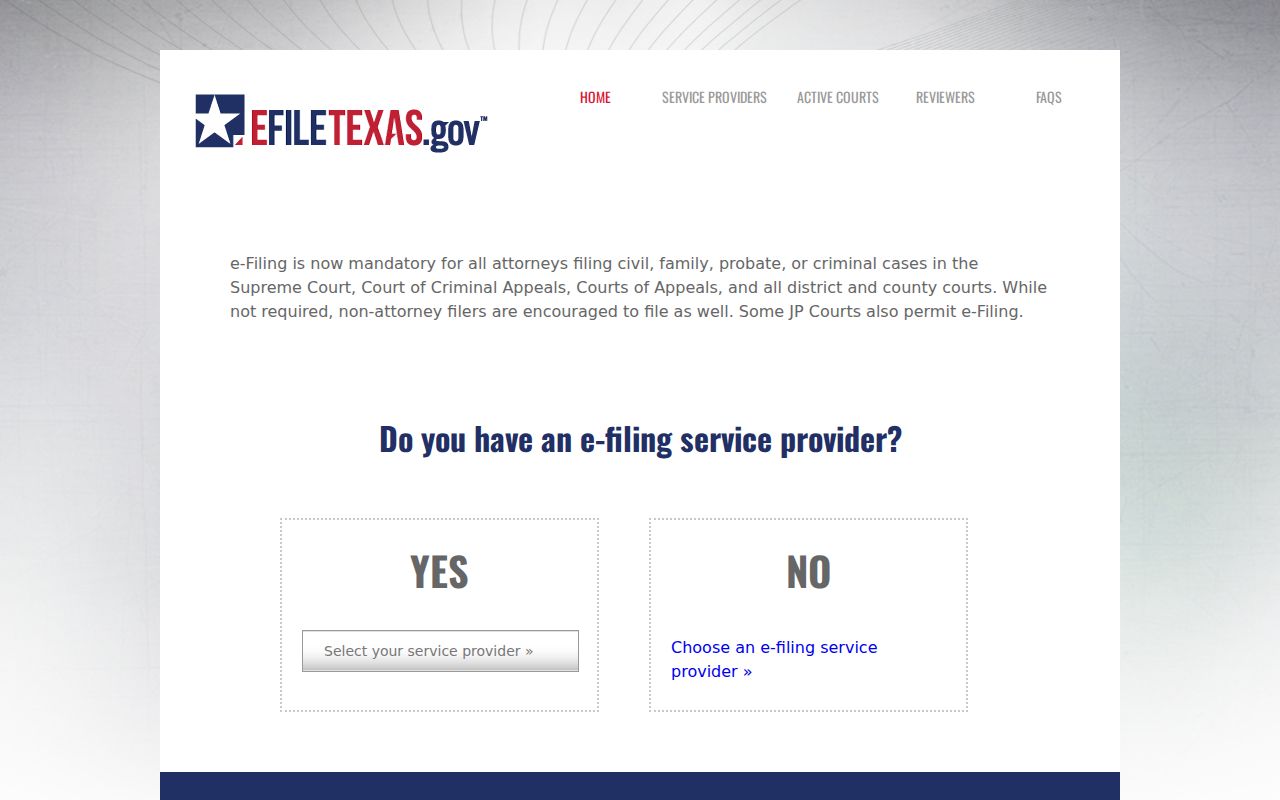
That screen is the delivery side of the court system. A filer submits documents there. A reader still needs iDocket, re:SearchTX, a published PDF, or the clerk to see the public case history.
Jackson County Search Fallbacks
Work from the narrowest official source outward. For a setting, start with a date-specific District Clerk docket PDF or the county public calendar. Still nothing? Call the office that actually holds the file: District Clerk, County Clerk, the JP precinct, or the municipal clerk for that court level. Ask about a terminal, a counter search, or a request by mail or email.
County Clerk material has a published request form. Email it to jcclerk@co.jackson.tx.us, mail it, or pair it with the payment instructions the office lists. Normal processing runs one to two business days, and general copies cost one dollar per page. Those terms cover that route only, not every Jackson County court or every certified copy.
Old files raise other questions. Ask the clerk whether the case still sits in paper, archive, microfilm, or a system the online index does not reach. Want a transcript? Contact the court reporter; do not assume the clerk keeps one. And if you only need a date, ask the court to confirm the current setting, because a calendar block does not prove the case was never reset.
Keep any written request tight. Give the cause number, the court, the case style, and the filing or order date. Say whether you want an ordinary copy or a certified one, and get a quote first. The county material does not price certification, so treat the one-dollar page rate as a copy fee, not a certification fee.
One phone call can settle routing before you write. District records belong to the District Clerk, County Court records to the County Clerk, and lower-court citations or small claims to the issuing JP or municipal court. That habit avoids a common Jackson County search mistake: asking a countywide office to pull a docket kept by a separate local court.
Restricted Cases and Access Rules
The rules divide the territory. Texas Rule of Civil Procedure 76a sets the open-record presumption and the sealing standard for covered civil court records. Texas Rule of Judicial Administration 12 handles judicial records other than case records. Government Code section 552.0035 sends judiciary information to court rules and other law.
Sealed, juvenile, expunged, and confidential material may be hidden or withheld. Ask the correct custodian for lawful access. Never guess at what a restricted result contains. The route explains the next step. Use the Jackson County court record search to request the document behind a docket entry.
Jackson County Search Follow-Up
Found a likely Jackson County case? Write down the cause number, the court, and the newest event date. Do it before you close the search. Those details help the right clerk. The clerk can separate the file from similar names and tell you whether an event on screen has its own document. No image? Ask for the exact filing or order. A docket summary does not always hold the whole record.
Later entries can reset an earlier date or status. Confirm anything that controls an appearance directly with the court or clerk. That matters most when iDocket and a clerk notice disagree.